Free SEO tools that run in your browser.
Use these free SEO tools to check meta tags, schema, headings, readability and AI crawler access in seconds. Every tool explains what it checks and how to fix what it finds.
Local SEO Lead Leak Checker
Enter your website and find the problems costing you calls and enquiries: SSL, phone number match, mobile, schema and more.
Check my siteSearch Console Analyzer
Upload your Google Search Console export and get winners, losers, page decay, quick wins and a 30-day plan.
Open toolAI Crawler Checker
Test your robots.txt against 16 bots, including ChatGPT, Perplexity, Claude, Googlebot and AI training crawlers.
Open toolSchema Markup Generator
Create FAQ, Local Business, Organization and Article JSON-LD without writing code, then copy and paste.
Open toolMeta Tag Checker
Check title and meta description length in characters and pixels, and see if your keyword is in place.
Open toolSERP Preview
See how your title, URL and description will look in Google on desktop and mobile before you publish.
Open toolOn-Page Content Checker
Check word count, keyword use, readability, headings and URL slug for any text or page HTML.
Open toolReadability Checker
Paste your text to get its Flesch Reading Ease score and sentence length check.
Open toolCost Per Lead Calculator
Work out cost per lead, cost per customer and your break-even lead cost.
Open toolReview Gap Calculator
See how many reviews you need to match a competitor on Google.
Open toolRanking Drop Revenue Loss
Estimate the leads and revenue you lose when rankings fall.
Open toolSEO vs Google Ads
Compare the cost per customer of SEO and Google Ads.
Open tool
How to use the free SEO tools
Each of the free SEO tools on this page checks one part of a website or a marketing plan. You can run them in any order, but starting with the tool that matches your most urgent problem usually saves time. Results from a free tool show a starting point; they do not replace a full audit of your site.
All tools are free to use. Where a tool needs your data, such as Search Console exports or a budget figure, the result is calculated in your browser.
Which of the free SEO tools to start with
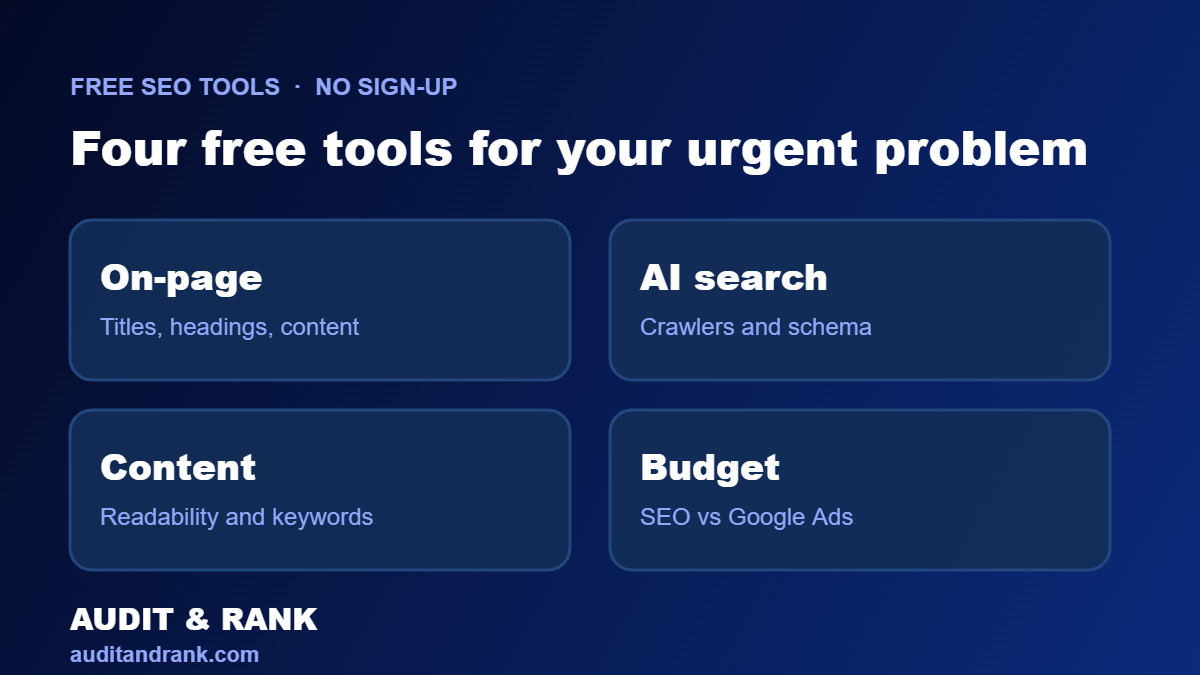
If your pages are not appearing in search, start with the AI crawler checker, the meta tag checker and the Search Console analyzer. If your traffic has dropped, use the ranking drop revenue loss calculator to see the money involved, then check the pages that lost visits.
If you are planning a marketing budget, the cost per lead calculator and the SEO vs Google Ads calculator show how each channel compares over time.
Free SEO tools that check your site
The meta tag checker, the on-page content checker, the schema markup generator and the AI crawler checker review specific parts of a page. They show what is missing, what is duplicated and what may stop a page from being read correctly by search engines and AI tools.
Two examples show why this matters. A robots.txt file tells crawlers which URLs they can access, and Google notes in its introduction to robots.txt that the file is not a way to keep a page out of search. Structured data helps Google understand what a page is about, and Google Search Central explains the basics in its structured data guide.
Run these checks on your most important pages first, then fix the issues in order of their effect on visitors and enquiries. After a fix, Google Search Console and PageSpeed Insights show whether clicks and mobile speed improved.
Free SEO tools that help plan your budget
The cost per lead calculator, the SEO vs Google Ads calculator and the review gap calculator help you compare options with your own numbers. Use real figures from the last 30 to 90 days, because estimates based on guesses can lead to poor decisions.
Free SEO tools and paid audits
A free tool shows one part of the picture. A paid audit looks at the whole site, the content, the links, the technical health and the competitors, then ranks the fixes by impact. If a tool shows a serious problem, a full audit is the next step to confirm the cause and plan the fix. You can see what we check in our SEO audit service.
Use the free SEO tools, then act on the result
A tool result is only useful when it leads to a change. Write down the one or two actions that the result suggests, assign an owner and set a date to recheck. Running the same tool again after the change shows whether the fix worked, and the comparison is more reliable than a single reading.
If you find a problem that the tools cannot explain, such as a sudden traffic drop or a page that will not index, a full audit can confirm the cause before money is spent on the wrong fix.
Keep your results organised
Save the results with the date and the page or site they describe. A short log of checks makes it easy to see progress over the months and to share the same data with a developer or an agency without repeating the work.
Need more than a quick check?
Get a free SEO audit of your whole site, including speed, crawling and AI search visibility.
Frequently asked questions about free SEO tools
Are these free SEO tools really free?
Yes. Every tool is free to use with no sign-up, no payment and no trial period.
Do the tools upload my content?
No. Most checks run in your browser. Tools that fetch a page only read the public URL you enter, and nothing is stored.
Which tool should I start with?
Start with the AI Crawler Checker to make sure search and AI bots can reach your site, then use the Meta Tag Checker and On-Page Content Checker on your most important pages.
Can I use the results in a client report?
Yes, but check the numbers against your own data first, since each tool gives a starting point rather than a final verdict.
Do the tools work on mobile?
Yes. The tools are designed to work on phones as well as desktop screens, so you can run a quick check from anywhere.